D25 Single-Use Temperature Data Logger (Software Version)
Disposable USB temperature recorder with free PC software — 25-day monitoring for cold chain shipments
Product descriptions
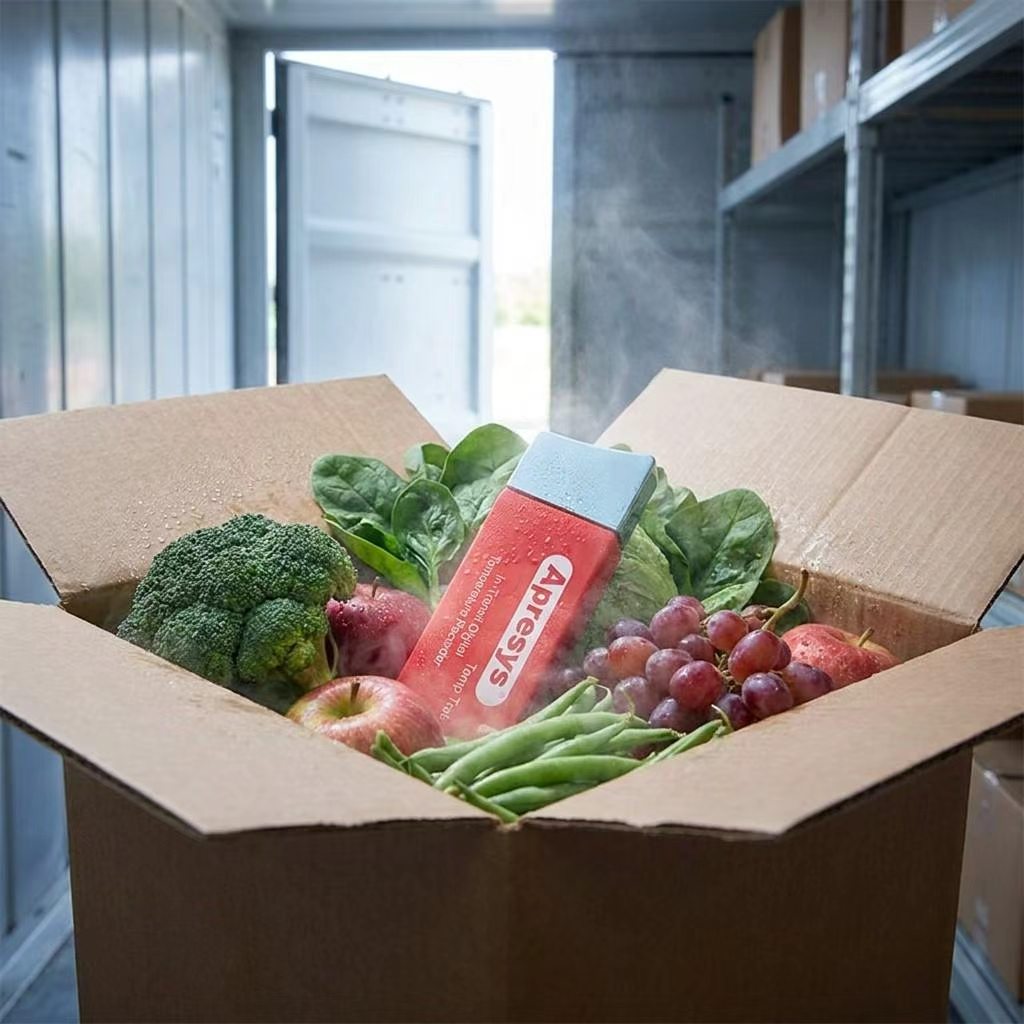
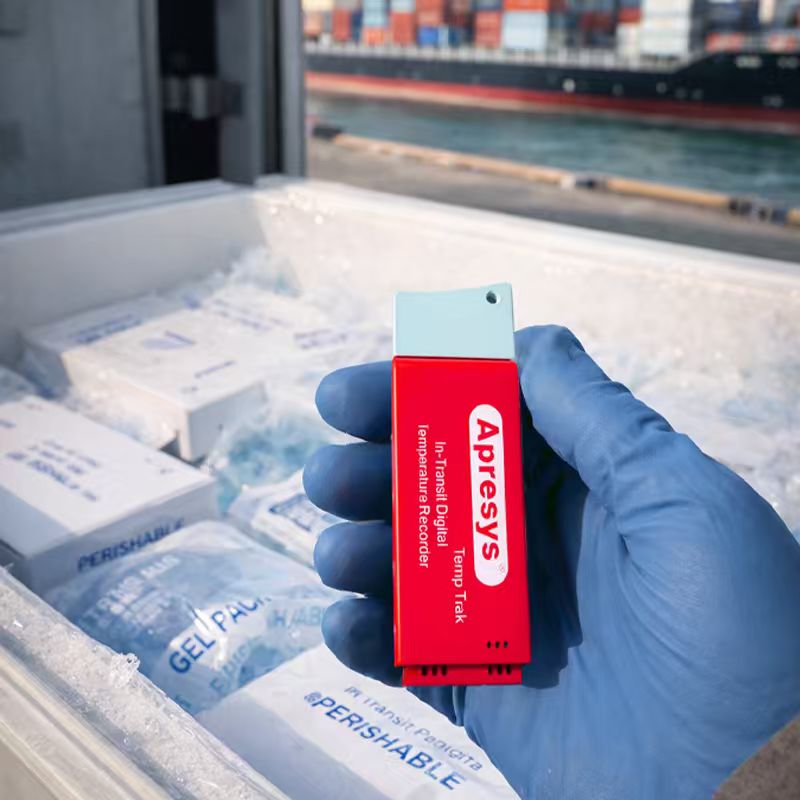
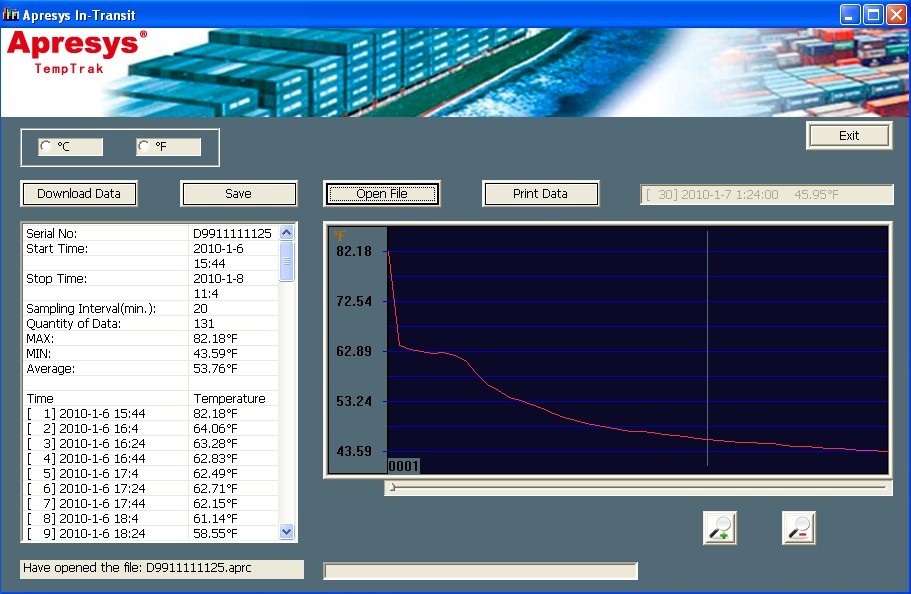
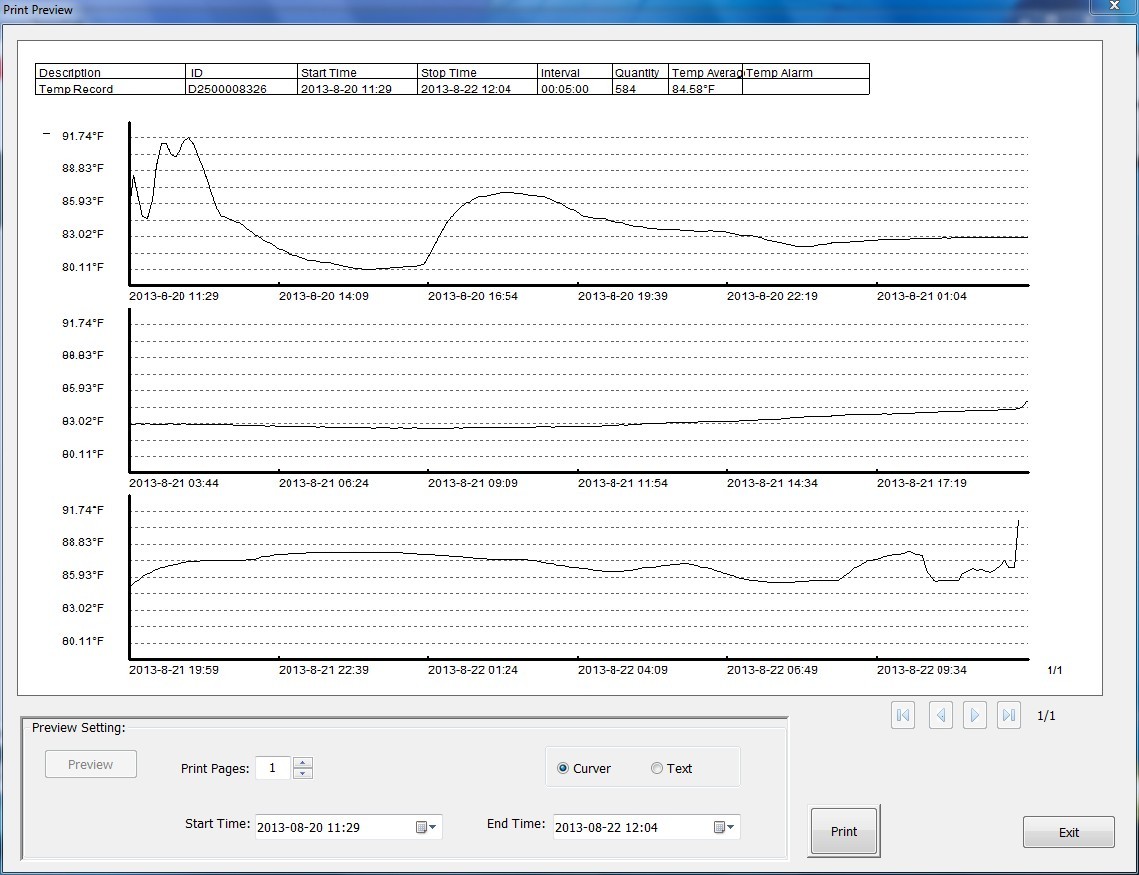
The Apresys D25 is a compact, single-use USB temperature data logger designed for one-way shipments of temperature-sensitive goods. Pre-calibrated and ready to use out of the box, it records up to 7,200 temperature points over 25 days at 5-minute intervals. At destination, simply plug it into any Windows PC USB port and use the free Apresys In-Transit software to download, view, and print timestamped temperature graphs and Excel reports.
Key Features:
· Single-use & maintenance-free: no recalibration, battery replacement, or servicing needed
· Free FDA 21 CFR Part 11 compliant software: download, graph, and export .apr + .xls reports
· 7,200 readings capacity: 5-minute intervals for up to 25 days of continuous monitoring
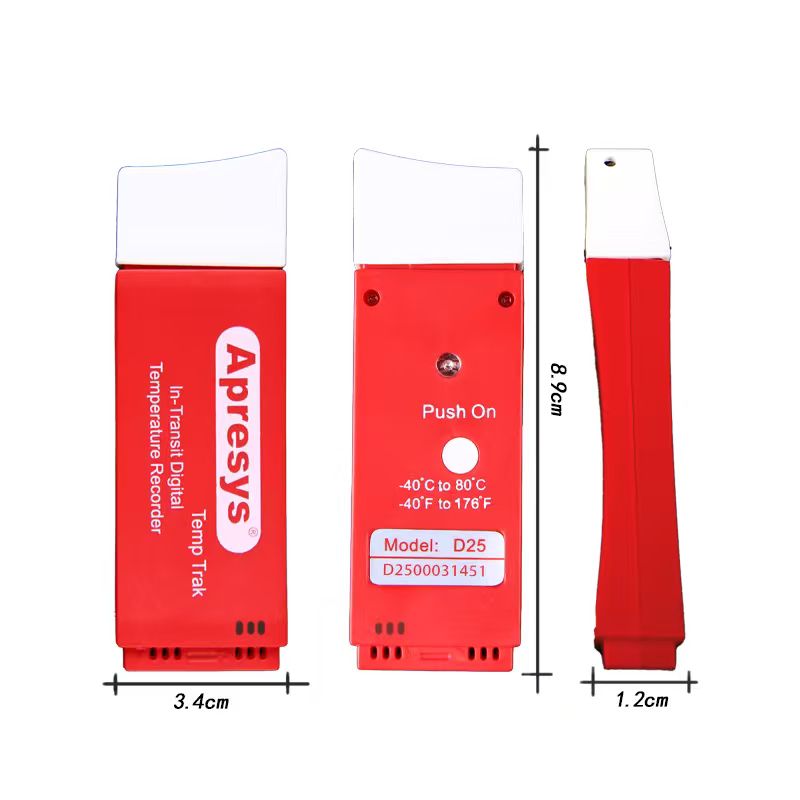
· Wide temperature range: -40°C to 80°C (-40°F to 176°F) covers frozen to ambient shipments
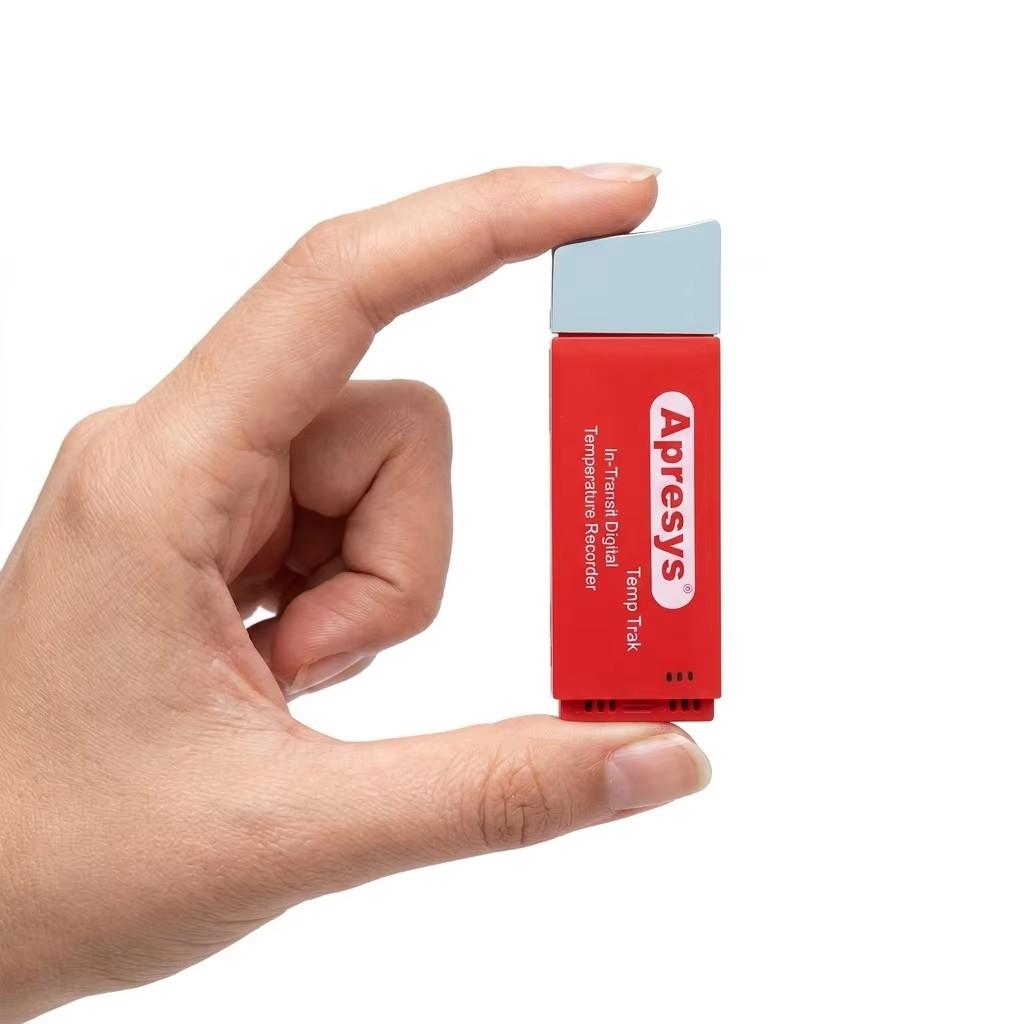
· Compact & lightweight: 89 × 34 × 12 mm, 35g — fits inside any package or cooler
· Data remains readable even after battery is depleted — permanent record retention
· Three duration options: D25 (25 days), D50 (50 days), D99 (99 days)
Model Selection
Model | Max Duration | Interval | Suggested Use |
D25 | 25 days | 5 min | Short-haul & express (1–25 days) |
D50 | 50 days | 10 min | Medium-haul & standard freight (25–50 days) |
D99 | 99 days | 20 min | Long-haul & ocean freight (50–99 days) |
Specifications
Parameter | Specification |
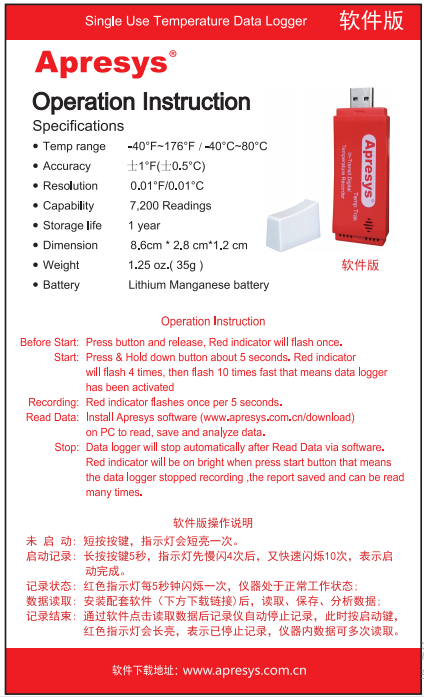
Temperature Range | -40°F ~ 176°F (-40°C ~ 80°C) |
Accuracy | ±0.8°F (±0.5°C) |
Resolution | 0.01°F / 0.01°C |
Data Capacity | 7,200 readings |
Battery | Lithium Manganese Battery |
Shelf Life | 1 year |
Dimensions | 8.9 × 3.4 × 1.2 cm |
Weight | 35g (1.25 oz) |
Software | Free Apresys In-Transit (Windows), FDA 21 CFR Part 11 |
Report Format | .apr + .xls Excel + printable graph |
Models | D25 / D50 / D99 |
Q: Do I need to install software to read the D25?
A: Yes, the D25 is the "software version" — it requires the free Apresys In-Transit software. If you need a plug-and-play PDF report without software, consider the PDF version (Single-use-PDF-L).
Q: Is the software FDA 21 CFR Part 11 compliant?
A: Yes. The Apresys In-Transit software includes user authentication, audit trails, and tamper-evident data records that meet FDA 21 CFR Part 11 requirements.
Q: Can the data be altered after recording?
A: No. The recorded data is write-protected and cannot be modified. The software generates tamper-evident reports with unique serial numbers for each logger.
Q: What happens after the battery dies?
A: The recorded data remains stored in memory permanently. You can still connect the logger to a PC to download and print historical data even after the battery is depleted.

Operating Instruction
USB Datalogger Time Calibration Instruction
1. Install software, download at http://www.apresys.com
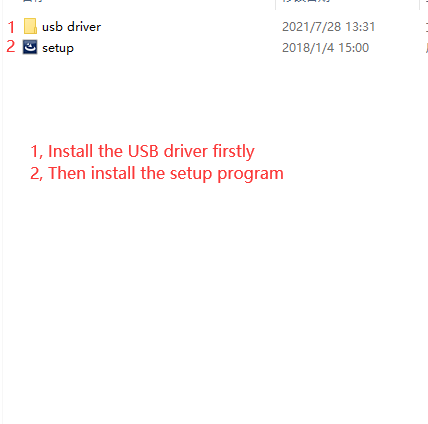
2. Remember to install USB driver and Reader software, two .exe files
3. Click “Calibration”, data logger time will be same with your PC (for International Customers).
4. Place data logger on your product or container, Press white button to start, the data logger can be started from a computer or by holding down the white button 5 seconds.
LED Indicator Working Status
Start Working Successfully: The indicator blinks three times and keeps flash ten times
On Working: The indicator blink one time in 5 seconds interval
Stop Working: Connect USB data logger with PC, the device stops recording automatically.
Note:
1,Install USB driver otherwise PC can`t recognize the data logger.
2,Connect data logger to PC to calibrate Local Time via software (Default UTC Time Zone)
3,Keep the used data loggers properly, could reprint when searching history, and could be kept permanently.
Related Products:
· Single-use PDF Temperature Data Logger (PDF-L)
· Dry Ice Temperature Data Logger (PDF-DI)
· 4G Wireless Temperature Tracker
Learn More:
· Cold Chain Temperature Monitoring Guide (/Resources/348.html)
· OEM/ODM Customization Services (/oem/)
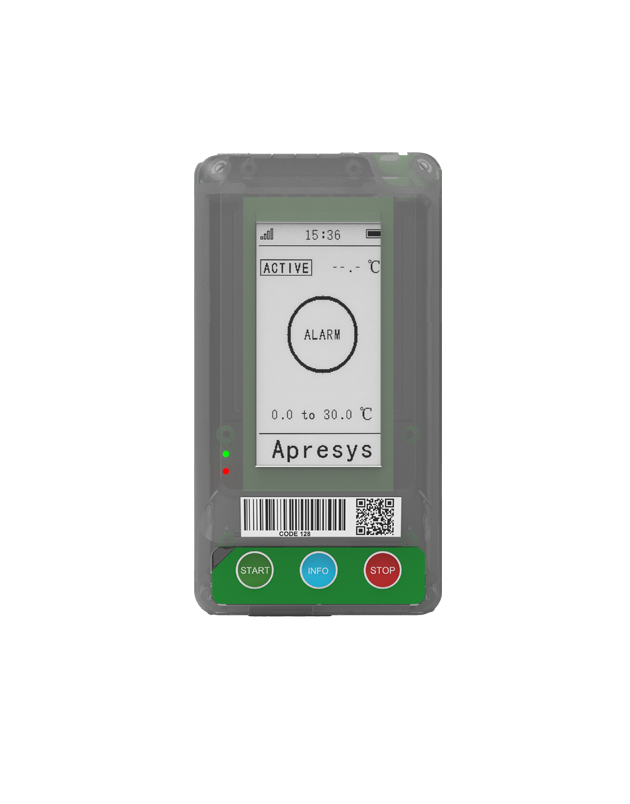
Apresys 4G Temperature Humidity Tracker supports temperature, humidity...
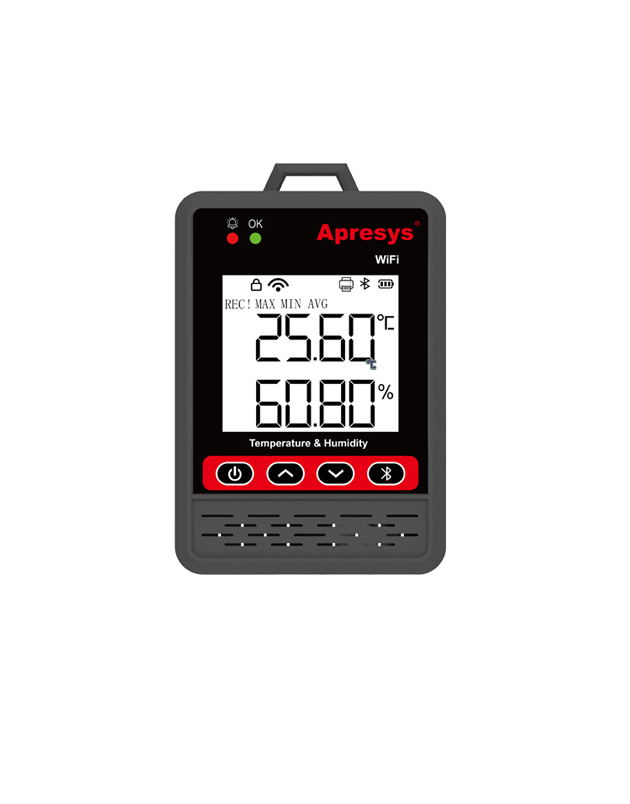
temperature humidity data logger.
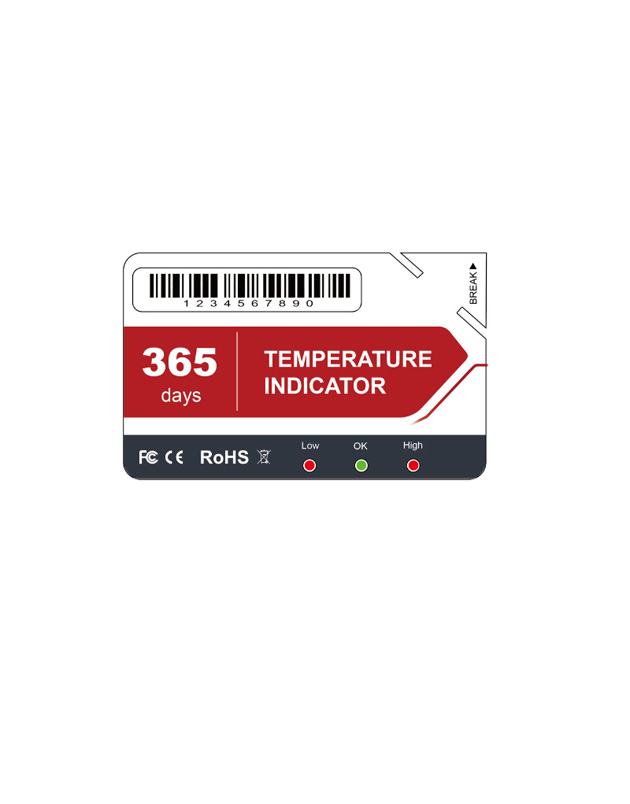
Single use Temperature Indicator;single use temperature indicator
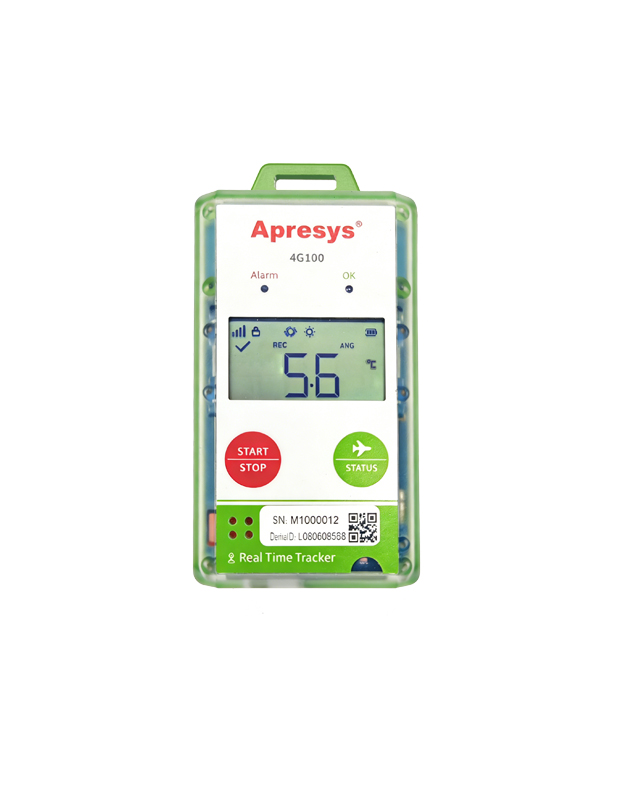
4G, Temperature, Humdity, Location, Light, Shock, Tracking route
Copyright © 2012-2021 Apresys all rights reserved