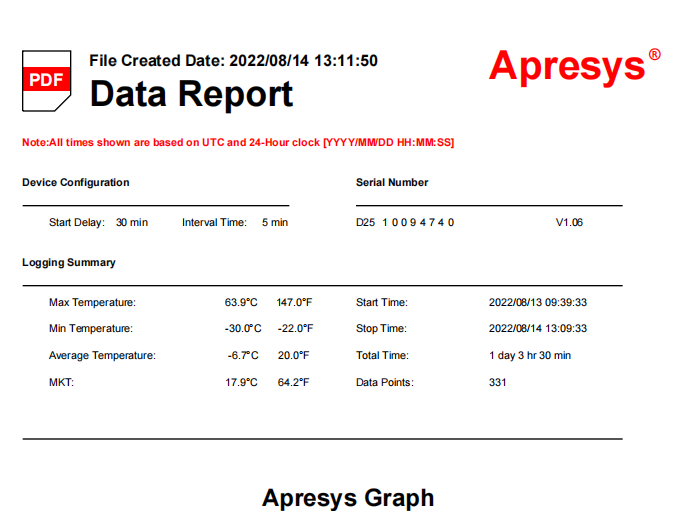
Apresys Single Use Temperature Data Logger
is specifically designed for the development of
cold chain industry, widely used in food, medicine, logistics, blood,
chemicals, electronics and other industries. Press the white button 5s to active.
After the data recording is completed, connect the data logger with the computer USB port,
without the need to install any software or drivers,
temperature data logger will generate a report in PDF format automatically.

Technical Parameters:
◆ Temperature range: -30 ℃ ~ + 70 ℃ (-22 ℉ ~ 158 ℉)
◆ Accuracy: ± 0.5 ℃ / 1 ℉
◆ Resolution: 0.1 ℃ / ℉
◆ Model: PDF-99 (interval time: 20 minutes) Recording 99 days
◆ Temperature units: ℃ / ℉
◆ Delay Start Time: 30 minutes
◆ Storage time: 1 year
◆ Key functions: Start / Working status
◆ Indicator: LED light
◆ Report Type: PDF/CSV format
◆ Interface: USB 2.0
◆ Power Supply: 3.0V CR2032 lithium battery
◆ Operating System: WIN XP / 7 /8 /10 and MAC
◆ Protection: IP54
◆ Dimensions: 86mm long x 28mm wide x 12mm high
◆ Weight: 35 g
◆ Default UTC Time Zone
Operating General Instruction
1. The device can be started by holding down the white button about 5s, Red indicator will flash 3 times slowly then 10 times fast that means data logger has been started.
2. During recording, red indicator will flash 1 time every 5 sec.
3. Connect with computer to STOP, data logger will stop working automatically after generating report.
4. Red indicator will stay on bright about 5 seconds when click button that means the data logger has been used and cannot be started again.
5. The data logger will generate a PDF data report.
Note: Don`t disconnect PC when generating data report. Once you can`t find data report on PC, you could press the button 8 times in 6 sec to reset the logger, the data report will appear again.
LED light indications:
Operation | LED indicator | Status |
Before start, quick click the start button | Red indicator will flash 1 time | Not started |
START, press start button for 5s | Red indicator flashes 3 times slowly and keeps flashing 10 times fast | Activate |
RECORDING | Red indicator flash every 5 sec | On working |
STOP, click start button | Red indicator will stay on bright about 5 sec | Stop recording |
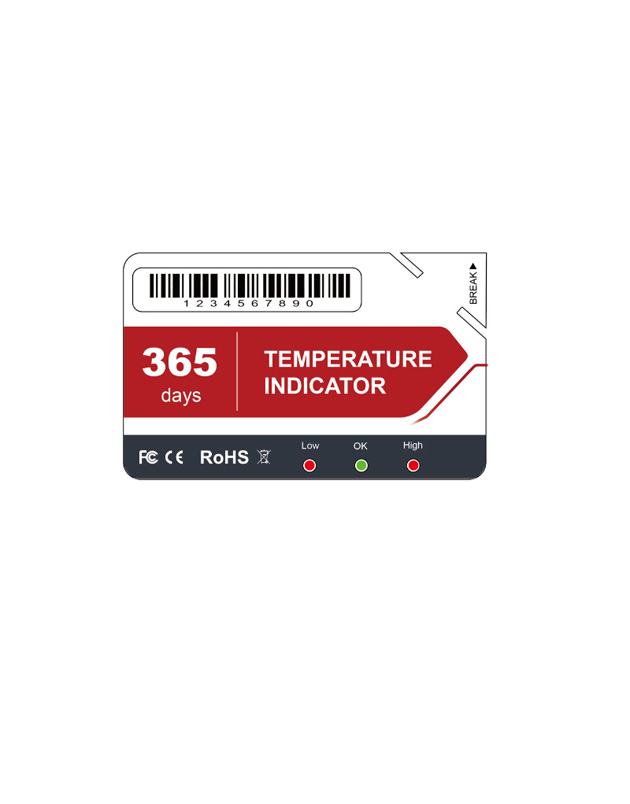
Single use Temperature Indicator;single use temperature indicator
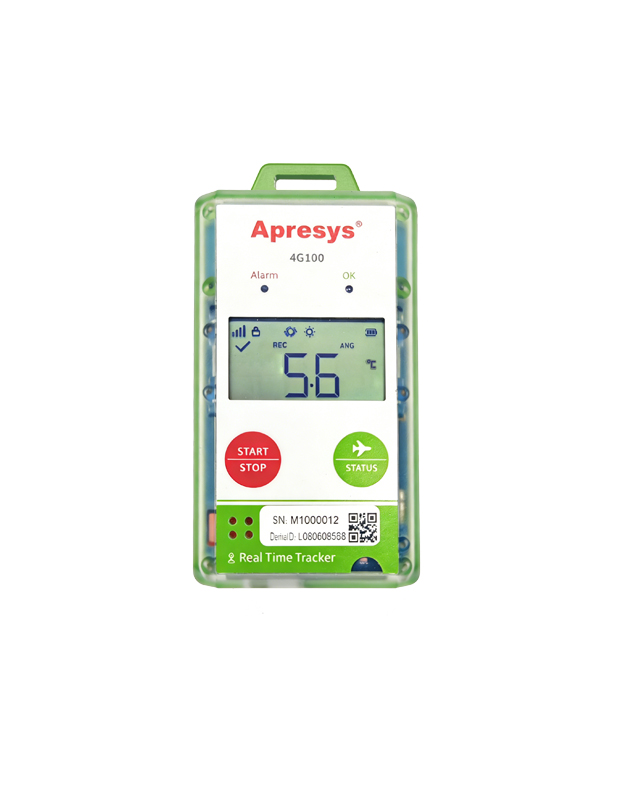
4G, Temperature, Humdity, Location, Light, Shock, Tracking route
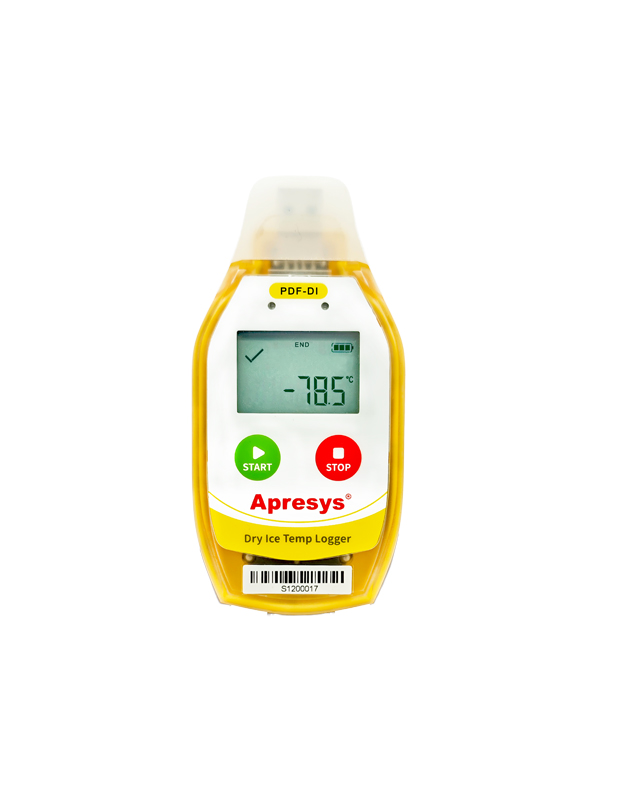
Temperature data logger; apresys;

Low Cost, Single use, Temperature, Waterproof IP67
Copyright © 2012-2021 Apresys all rights reserved