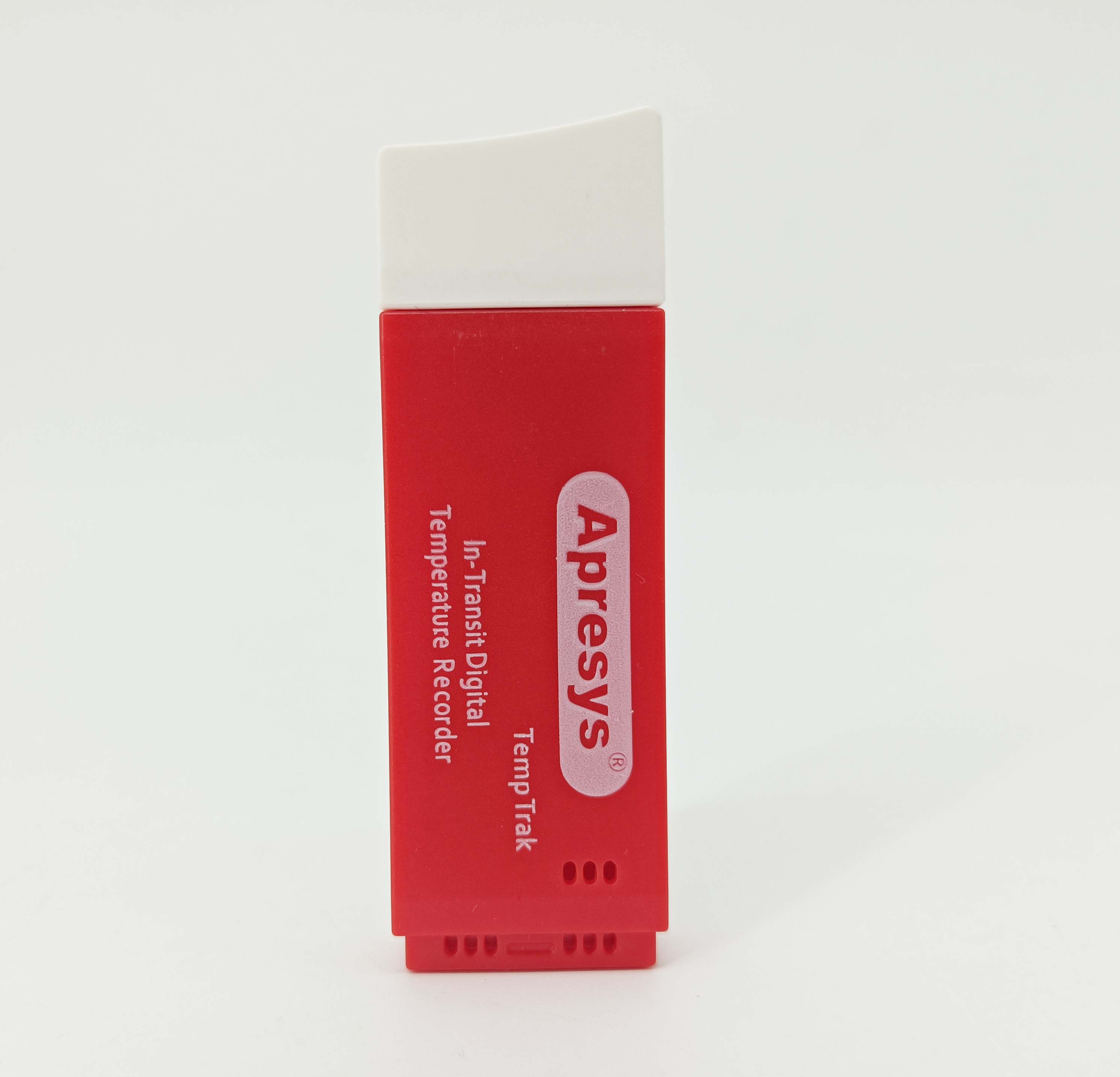
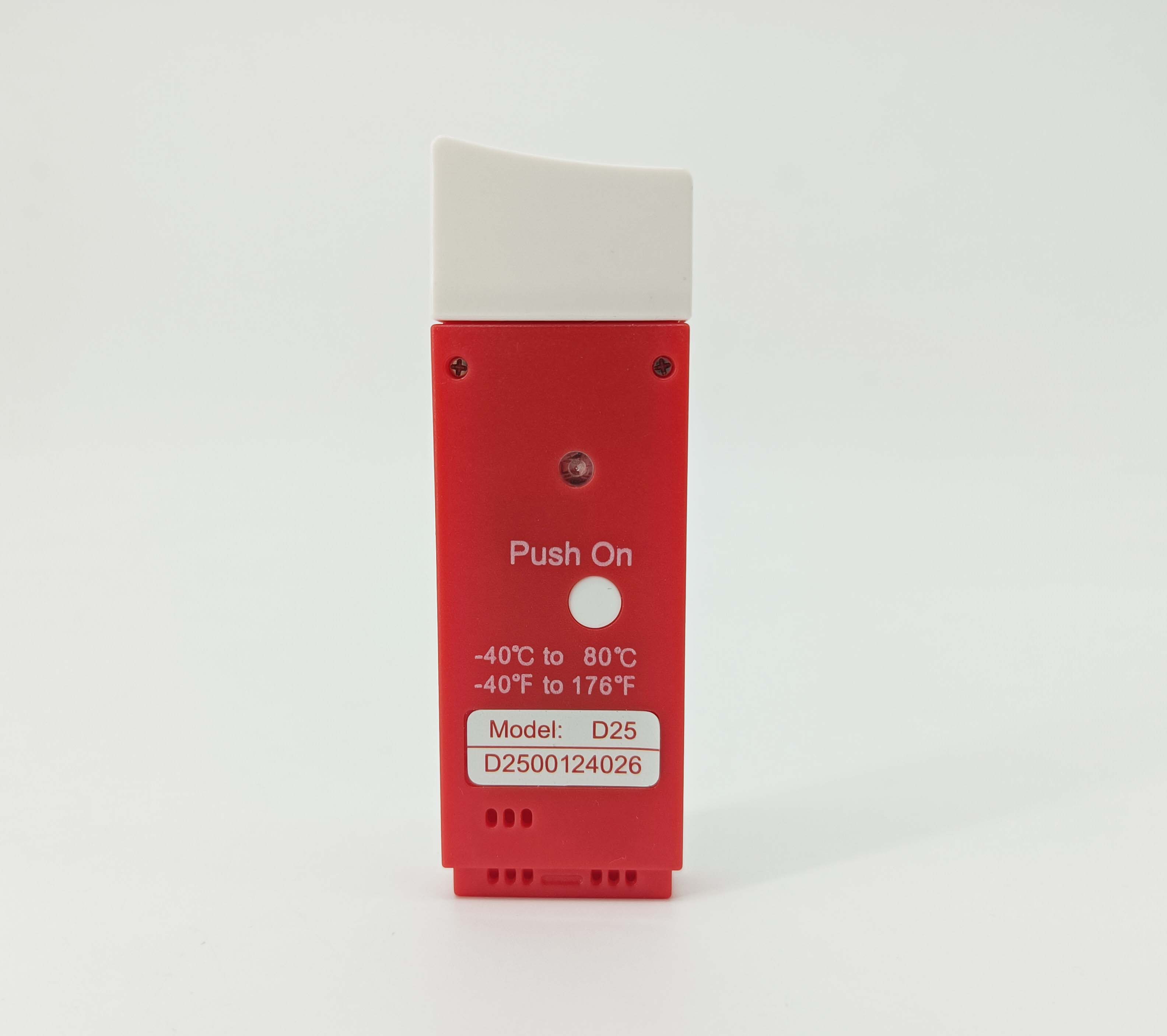
Temperature data loggers
are indispensable in pharmaceutical transport,
providing continuous monitoring to ensure drugs remain within critical temperature ranges.
They validate compliance with regulatory standards,
prevent efficacy loss from temperature excursions,
and safeguard patient safety by maintaining product integrity throughout the cold chain journey.

Specifications
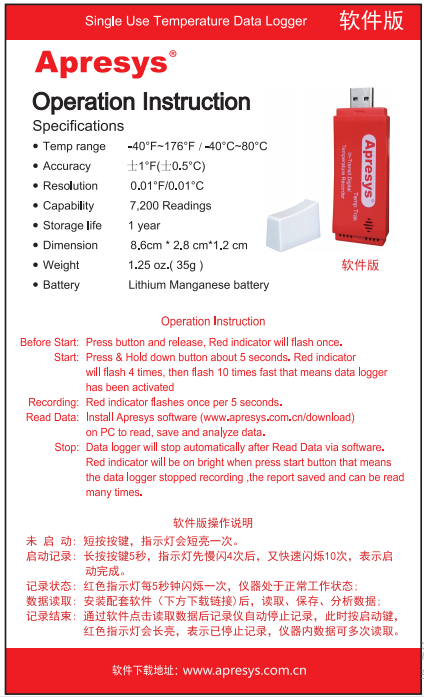
Temperature Range | -40°F ~176°F, -40°C ~80°C |
Accuracy | ±0.8°F (±0.5°C) |
Resolution | 0.01°F/ 0.01°C |
Battery | Lithium Manganese Battery |
Shelf life | 1 Year |
Dimension | 3.5" x 1.3" x 0.5"(8.9cm * 3.4 cm *1.2 cm) |
Weight | 1.25 oz.( 35g ) |
Models | D25, D50, D99 |
Selection Guide
Model: D25 Max Recording 25 Days, Interval Time 5 Minute (Suggested Use: 1-25 Days)
Model: D50 Max Recording 50 Days, Interval Time 10 Minute (Suggested Use: 25-50 Days)
Model: D99 Max Recording 99 Days, Interval Time 20 Minute (Suggested Use: 50-99 Days)
Features
· Free friendly software and readers
· Pre-calibrated for local time
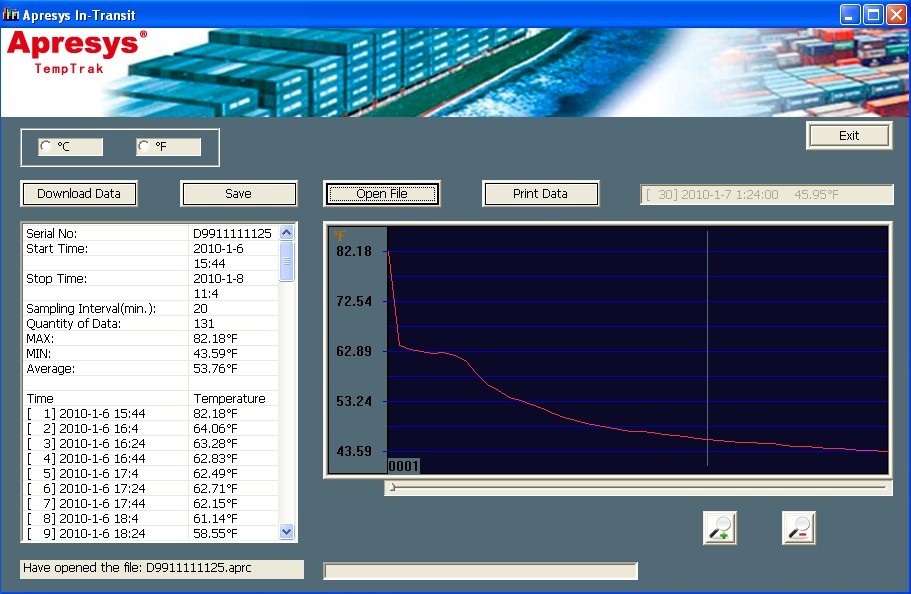
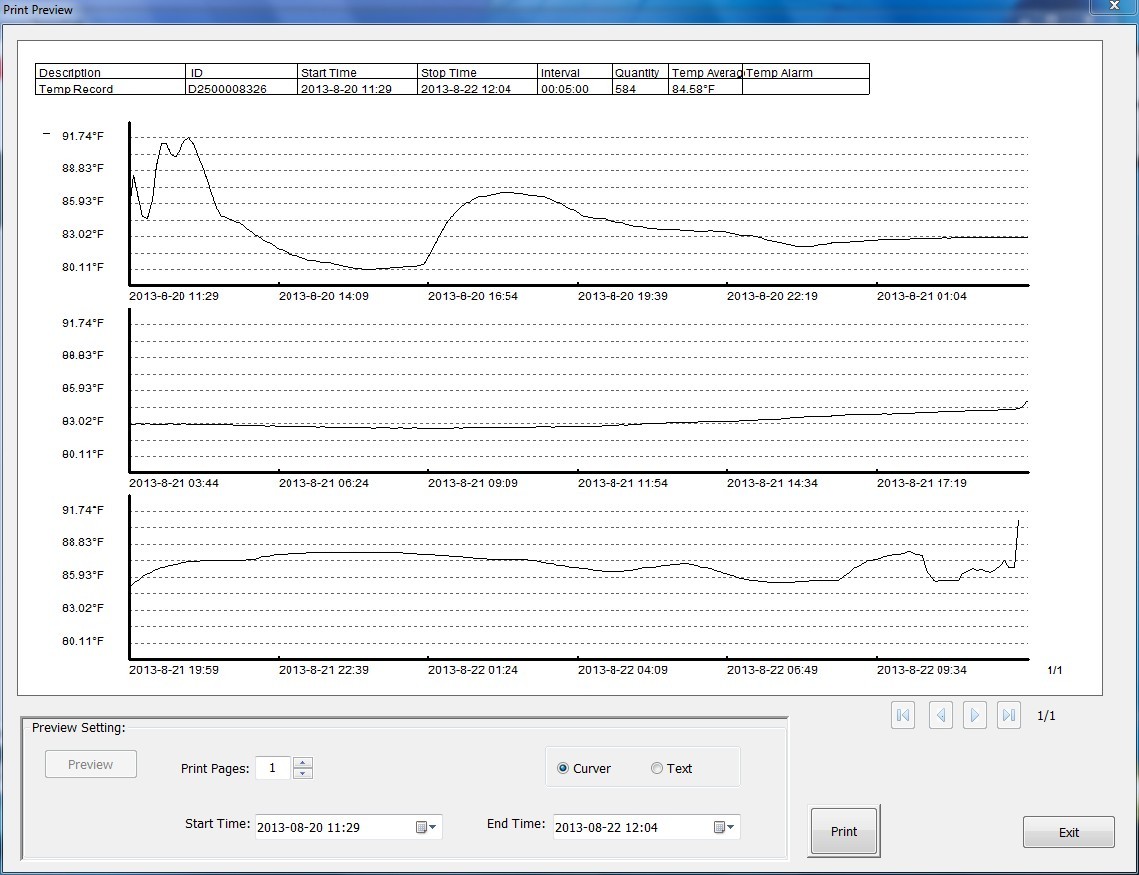
· Direct connect to export to .apr file and .xls report
· Single-use loggers do not require re-calibration, battery replacement or servicing
· Connect with Computer Directly for Data reading, saving, printing, easy to use
· Data logger is efficient, durable and portable, economical and practical for economic requirement.
· Characterized by its compact size and high accuracy.
· Even if the power used up, it still can be used for reading and printing data.
· Software complied with FDA 21 CFR Part 11
Application
1. Lab, Shipping, Transportation, and Food Monitoring for cold-chain management.
2. Vaccines Refrigeration, Pharmaceuticals, Agriculture, chemical medicines monitoring
3. Temperature-sensitive refrigerated daily necessities, freight containers by sea/air, etc.
Operating Instruction
USB Datalogger Time Calibration Instruction
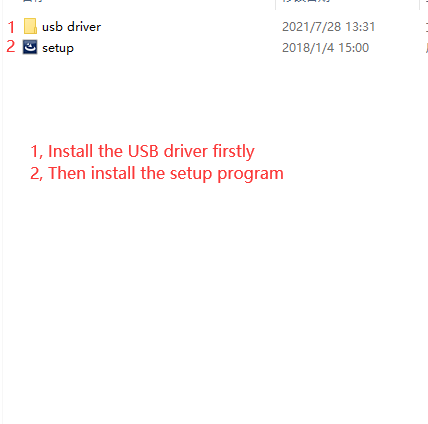
1. Install software, download at http://www.apresys.com
2. Remember to install USB driver and Reader software, two .exe files
3. Click “Calibration”, data logger time will be same with your PC (for International Customers).
4. Place data logger on your product or container, Press white button to start, the data logger can be started from a computer or by holding down the white button 5 seconds.
LED Indicator Working Status
Start Working Successfully: The indicator blinks three times and keeps flash ten times
On Working: The indicator blink one time in 5 seconds interval
Stop Working: Connect USB data logger with PC, the device stops recording automatically.
Note:
1,Remeber to install USB driver otherwise PC can`t recognize the data logger.
2,Connect data logger to PC to calibrate Local Time via software (Default UTC Time Zone)
3,Keep the used data loggers properly, could reprint when searching history, and could be kept permanently.
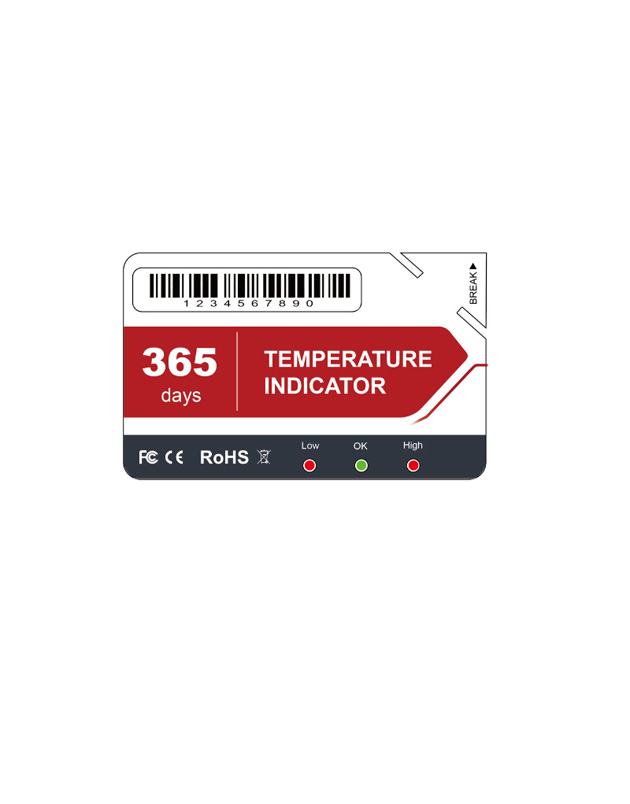
Single use Temperature Indicator;single use temperature indicator
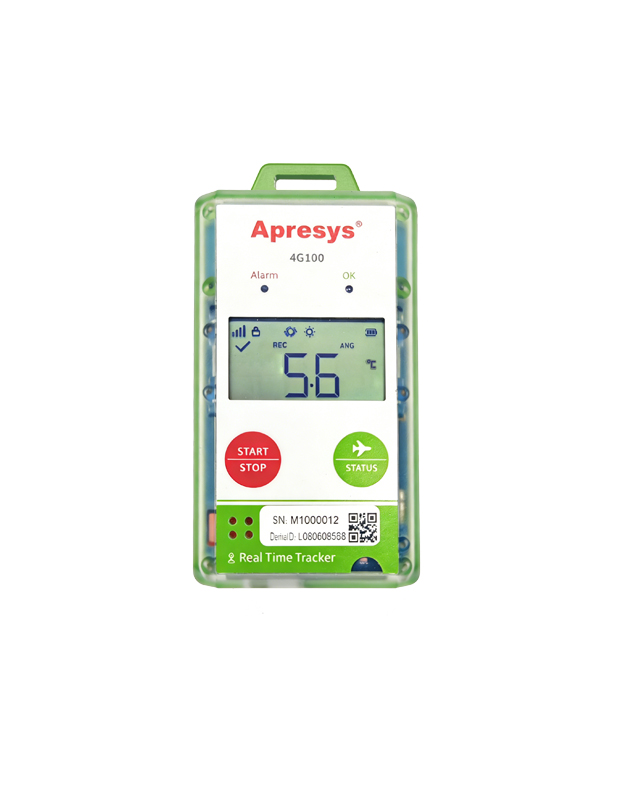
4G, Temperature, Humdity, Location, Light, Shock, Tracking route
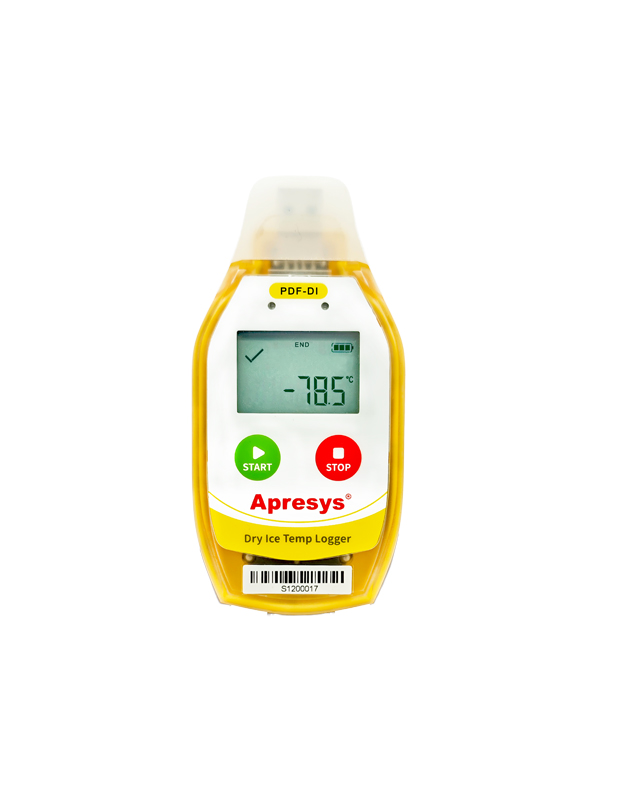
Temperature data logger; apresys;

Low Cost, Single use, Temperature, Waterproof IP67
Copyright © 2012-2021 Apresys all rights reserved